ZKBioSecurity3.0.1
Publisher Description
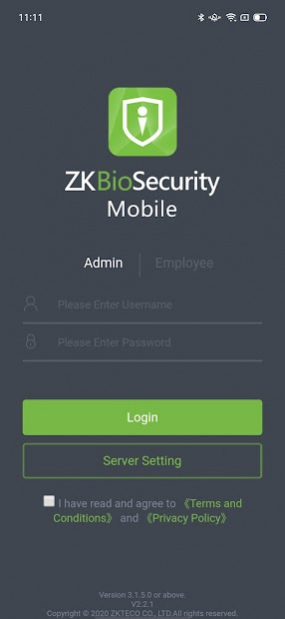
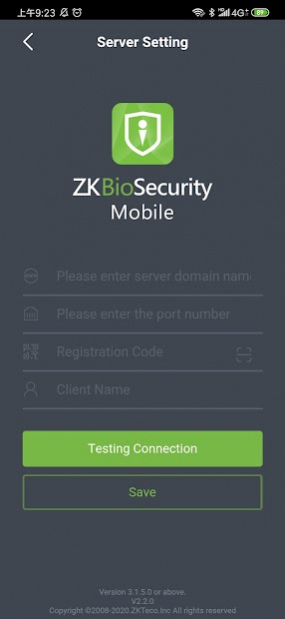
ZKBioSecurity Mobile APP connects to the server of ZKBioSecurity software directly and achieves data synchronization with software platform.
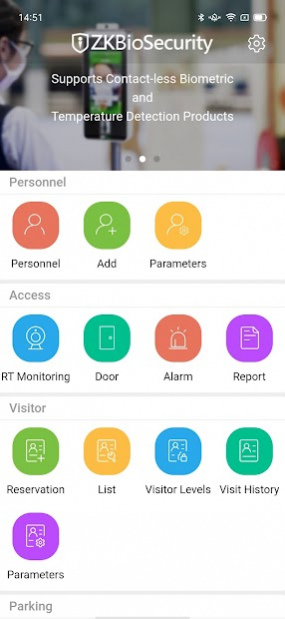
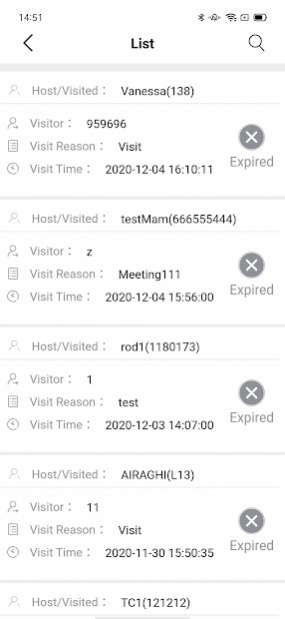
It allows login with two types of user accounts (roles): administrators and employees. When logging in as an administrator, four modules are accessible on the main menu: Personnel, Access, Visitor, and Parking. The Visitor module includes reservation, appointment management, access group level management, visitor history and parameter setting function. The Parking module includes parking authorization, fixed vehicle parking time extension, parameter setting, booth, channel, entered vehicle and charge details function. When logging in as an employee, there would be three accessible functions: attendance & calendar, attendance statistics, and mobile credential. Employees can record their own time and attendance with the app and realize contactless check-in. Furthermore, this APP also provides system management including logging off, personnel information modification and language setting, which is currently available in Chinese, English, Spanish and Portuguese options.
About ZKBioSecurity
The company that develops ZKBioSecurity is ZKTECO CO., LTD.. The latest version released by its developer is 3.0.1.
To install ZKBioSecurity on your Android device, just click the green Continue To App button above to start the installation process. The app is listed on our website since 2022-04-02 and was downloaded 2 times. We have already checked if the download link is safe, however for your own protection we recommend that you scan the downloaded app with your antivirus. Your antivirus may detect the ZKBioSecurity as malware as malware if the download link to com.john.lock is broken.
How to install ZKBioSecurity on your Android device:
- Click on the Continue To App button on our website. This will redirect you to Google Play.
- Once the ZKBioSecurity is shown in the Google Play listing of your Android device, you can start its download and installation. Tap on the Install button located below the search bar and to the right of the app icon.
- A pop-up window with the permissions required by ZKBioSecurity will be shown. Click on Accept to continue the process.
- ZKBioSecurity will be downloaded onto your device, displaying a progress. Once the download completes, the installation will start and you'll get a notification after the installation is finished.
Program Details
System requirements
Download information
Pricing
Version History
version 3.0.1
posted on 2022-04-02
Update the privacy policy and services terms.
version 3.0.0
posted on 2021-08-06
Fixed version display errors and other known issues
